
mira, one complete tool

lend out and
register equipment
From large machines, vehicles and tools to the smallest consumables — MIRA Software makes lending out and returning simple.
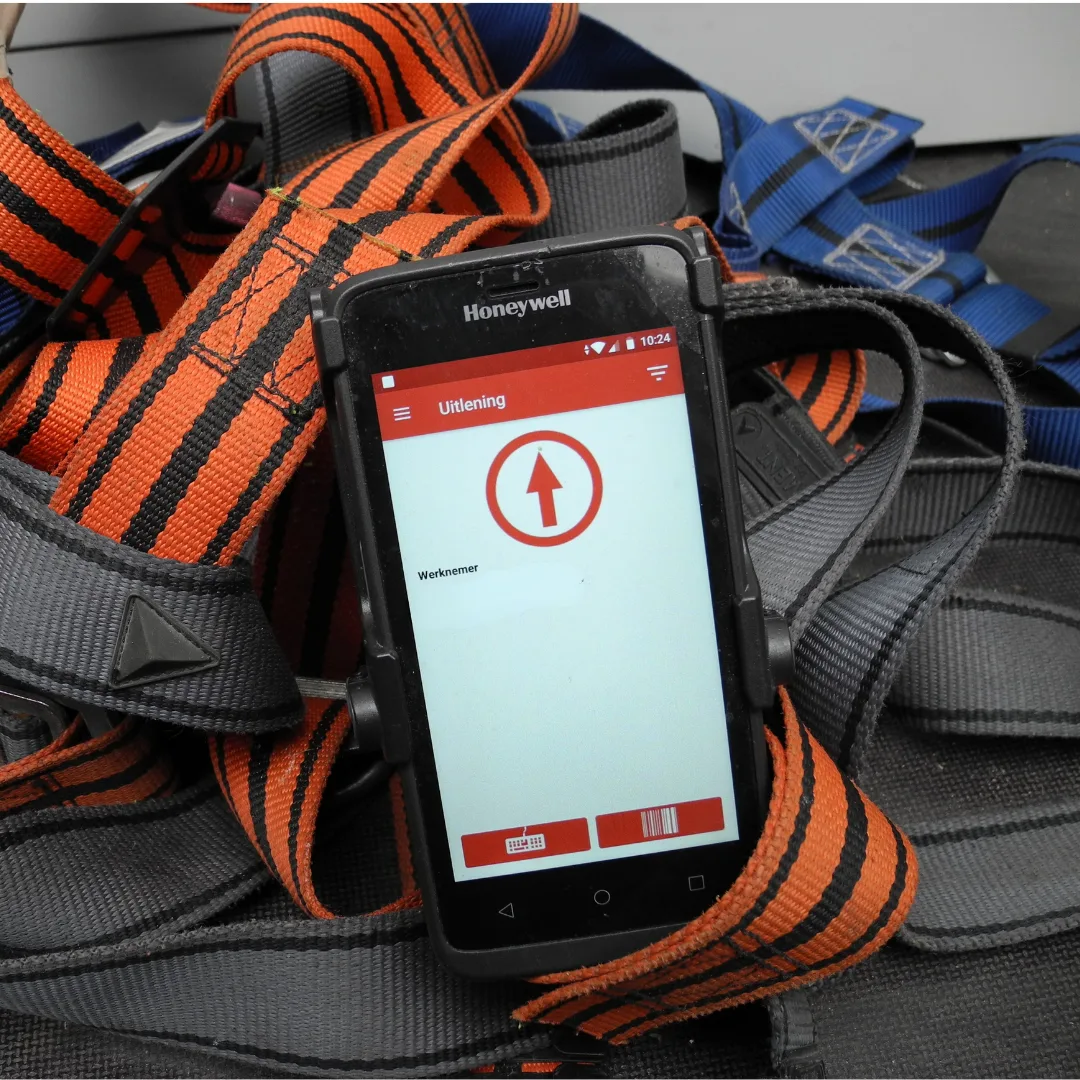
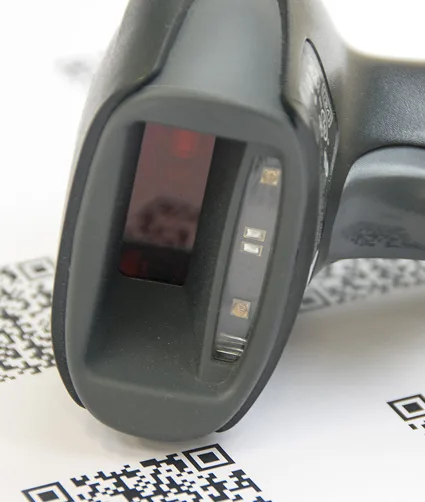
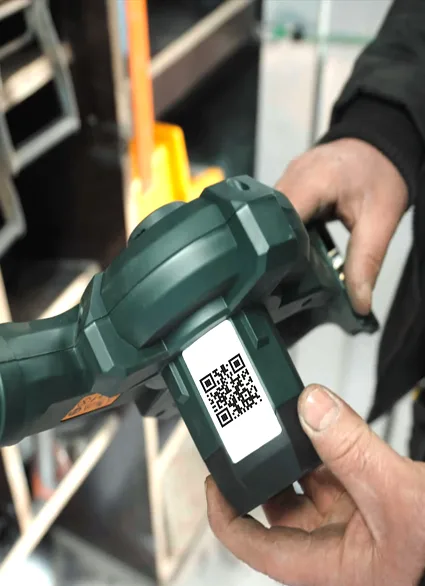
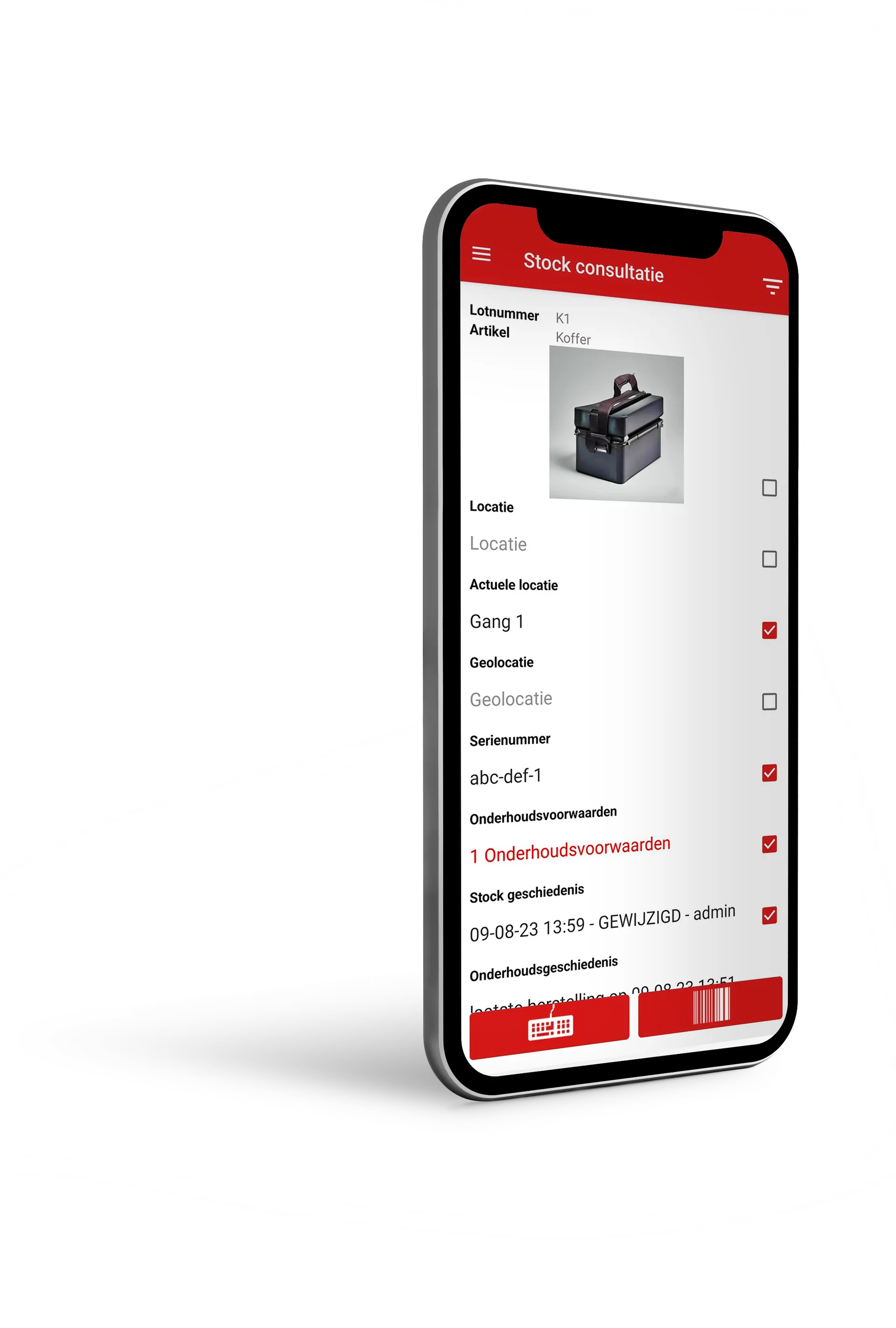
When issuing items, the staff member scans their badge and the item using a QR code or barcode. The item is automatically linked to the person. If desired, you can also add a project, client or location. It works just like a till system!
When the equipment is returned, you simply scan it again and it is immediately available once more. This avoids searching, misunderstandings and lost equipment.
Would you like more details? If so, you can add extra information such as an expected return date, checklists or a contents check for items comprising several parts, such as a toolbox or first-aid kit.
MIRA Software keeps track of all registrations automatically. Do you have questions such as which equipment is out on a project, what has been taken since a certain date, or who still has equipment in use? You see it clearly in just a few clicks. You don't have to look anything up or calculate anything — MIRA shows it instantly.
With digital materials management, you have a clear overview of the cost of materials per project without the need for additional calculations.

booking equipment
and planning
Do you know that you’ll need materials or equipment within a certain period? With MIRA Software, you can reserve these in advance, so you can be sure they’ll be available when you need them. You can also decide for yourself whether external parties, such as volunteers, subcontractors or trainees, are allowed to reserve materials.
Once your reservation is placed, a warehouse worker or employee can get started. They get a clear overview via a digital picking list and immediately see what can already be prepared.
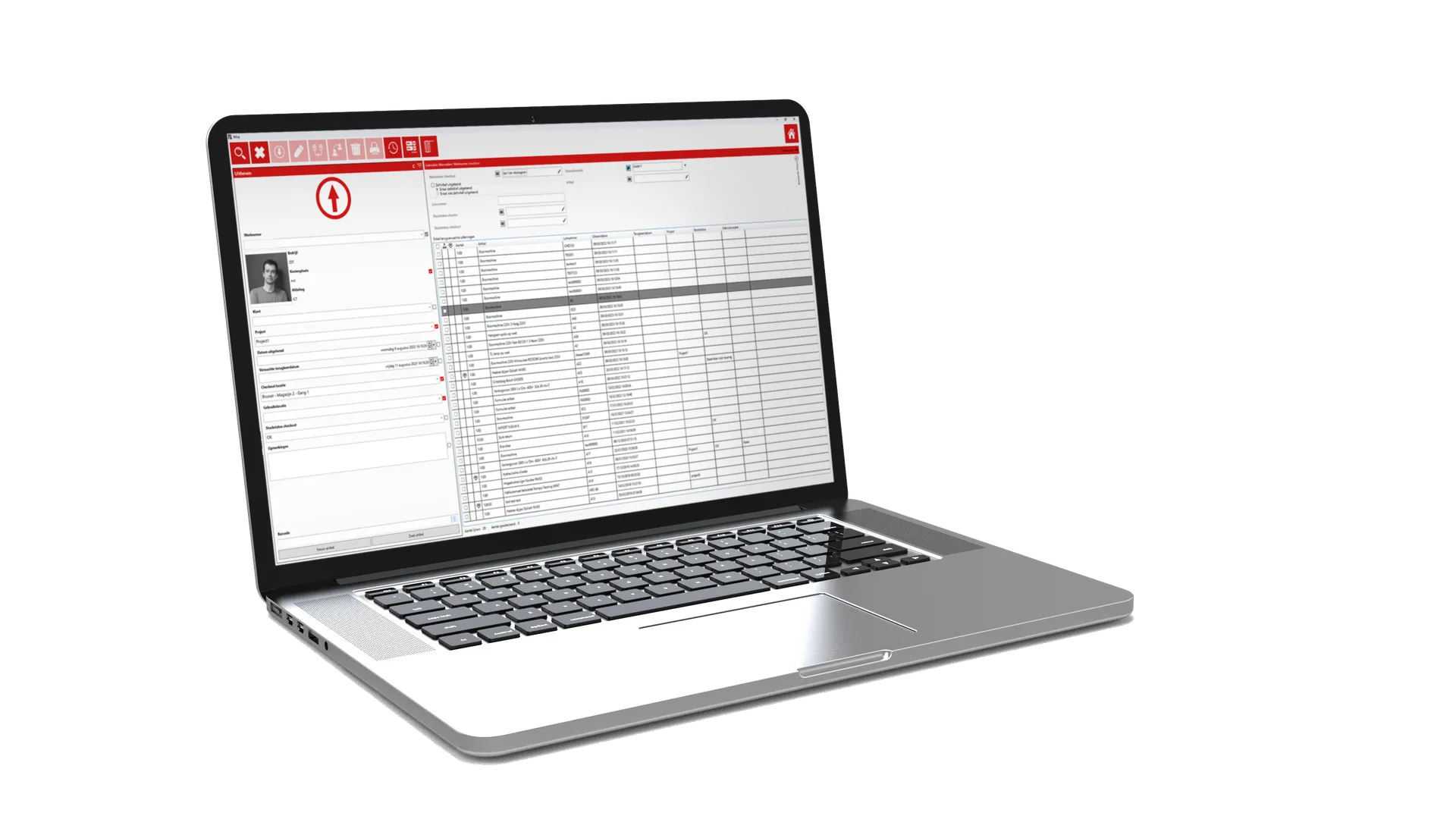
When the equipment is collected, everything is ready. With a single click, the reservation is converted into a loan and everything is correctly recorded. Double bookings and last-minute searches are avoided, and you save time because the equipment is ready straight away, with no waiting time in the warehouse.

inventory management and stock monitoring
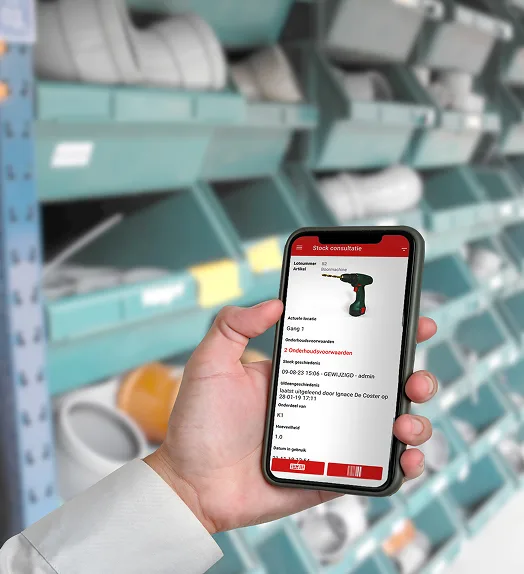
If you want to quickly know whether there is still enough material in stock, you don't have to walk to the warehouse to count everything. You find it instantly with MIRA Software. Thanks to the registration of loans, the stock adjusts automatically.
You can set minimum stock levels for each item. As soon as stock falls below this threshold, you’ll receive a notification to reorder. This prevents stock-outs and delays in your projects. You can easily record deliveries. You can also quickly log stock movements and stock-takes, ensuring that stock information is always accurate and up to date.
In addition, you can place and track orders, and consult the full history of an item. This way you always keep control over what was ordered and used in the past.
maintenance and inspection under control
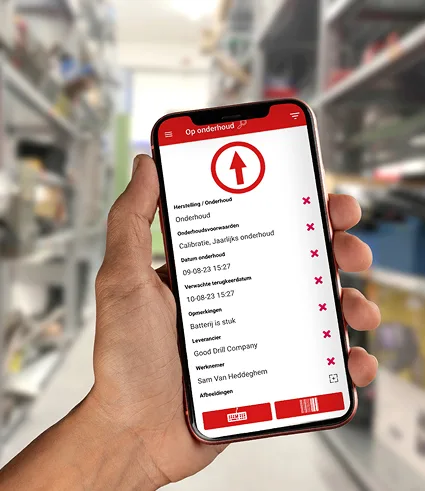
For equipment that is used regularly, it is important to know when maintenance, repair or inspection is needed. In MIRA you can set a maintenance frequency per item, after which the system automatically tracks what is due for a check soon.
Equipment that is not in order can be automatically excluded from lending. This way, only approved and safe equipment stays available within your organisation.
You can easily plan and track maintenance and repairs, both in-house and externally. You can also manage tests and inspections of machinery, tools or rolling stock in the same way, all within a single system. After each inspection, you can easily link statutory documents, such as inspection certificates, to the equipment. Thanks to the app, you can scan to gain immediate access to all legally required documents anytime, anywhere .
getting started with MIRA
Getting started with MIRA Software is deliberately kept simple, so you can begin without any barriers.
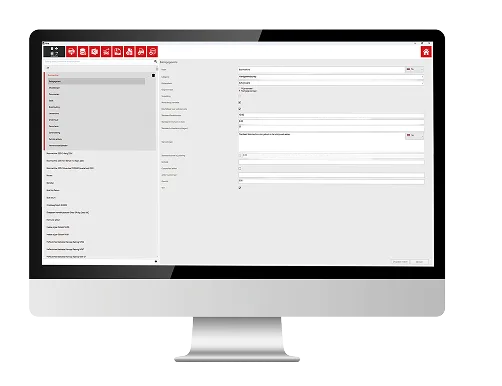
We start with a short kickoff with a project manager. Together we look at how you work and what you exactly need. That immediately makes clear how MIRA can best be set up for your situation.
meet our team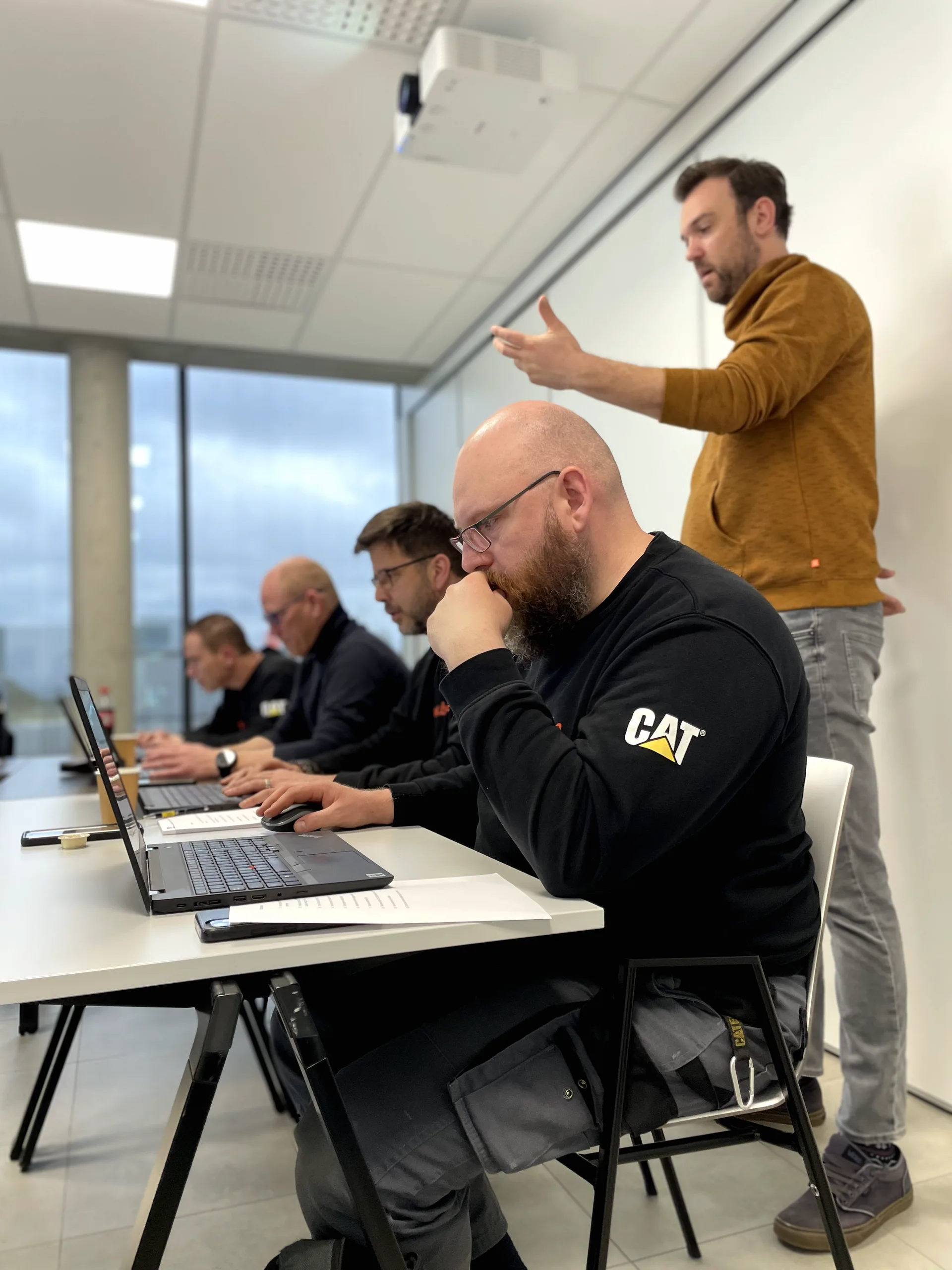

After that, you decide for yourself what the follow-up looks like. What do you take on yourselves? Where can we support you? How intensively you want to be guided depends entirely on your organisation and way of working. Every situation is different, and we deliberately take that into account.
What stays the same
in every journey:
we remain available for questions and support whenever you need it.
“Before we started with MIRA, there was no structure in the warehouse ...”
Kjell Meire
SAMOCO NV, an industrial assembly company
“ Before we started using MIRA, there was no structure in the warehouse. MIRA has helped us to establish a system that works for us in practice.
Whereas satisfaction and automation levels in the warehouse used to score 3 out of 10, they’re now already at 6 – and we’re not even using the software to its full potential yet. We want to get this up to 9. With MIRA software, we’ll manage that. I have every confidence in it. ”